

A STEP-BY-STEP CHECK
Give every control a moment.
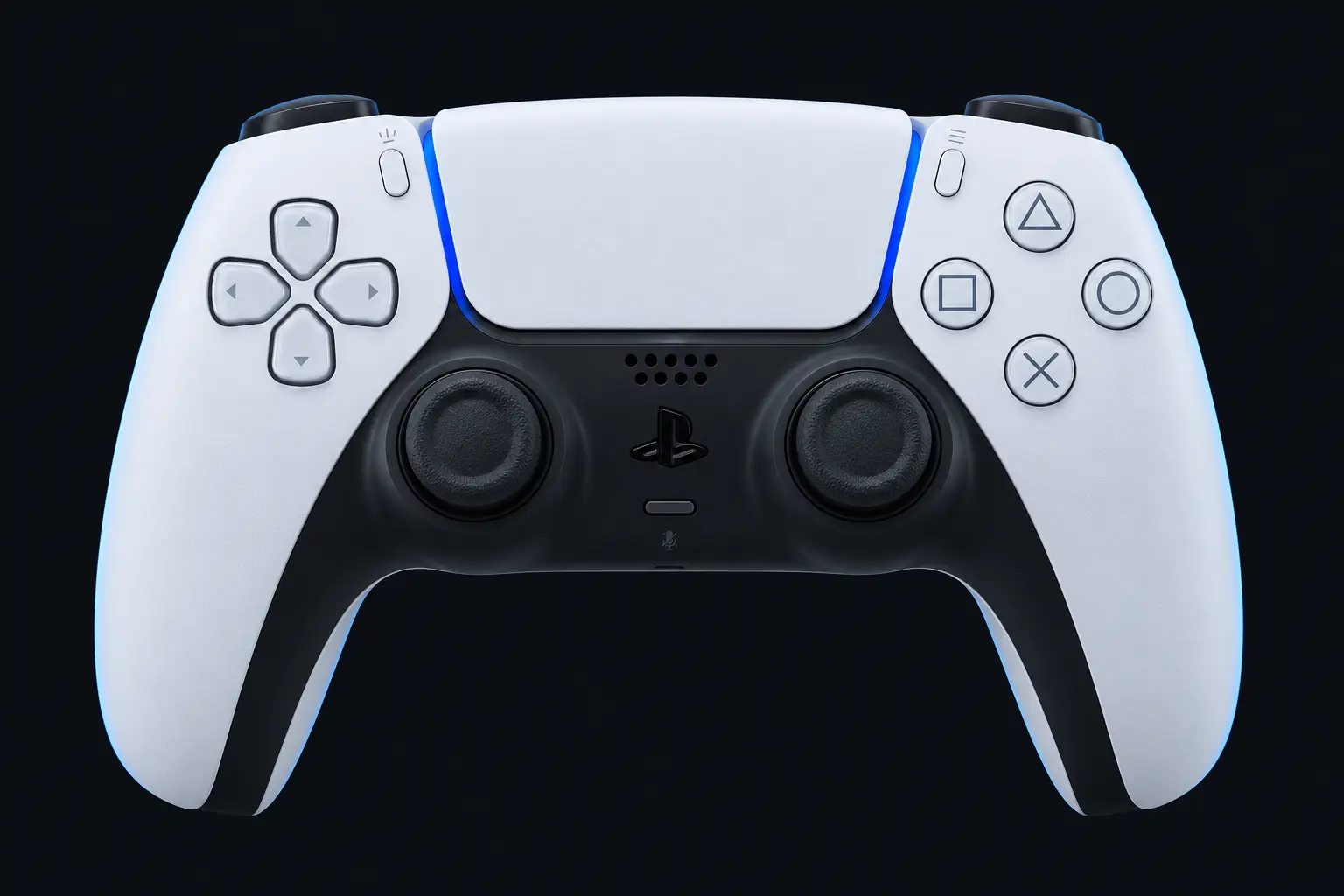
Follow five simple steps and keep a useful record of the inputs you observed. Connect your controller, then press a button.
Connect with USB or Bluetooth, focus this page and press a controller button.
Resting-stick measurement
This describes the input exposed by your browser. Firmware and remapping software can already apply deadzones. These readings do not certify hardware condition.
Raw readings & input history
Indices are shown as reported by the browser. Unknown layouts are not assigned stick or trigger names.
Waiting for controller input.
Check every control.
- Buttons
- Triggers
- Stick drift
- Stick range
- Results
Connect a controller to begin.
Saved snapshots & comparison 0
Saved only when you choose, in this browser. Compare readings taken under the same conditions.
A checkup you can repeat
Start with your usual connection and profile. Press each button deliberately, move the triggers through their range, leave the sticks still during the resting test and then rotate them around the outside. Add a setup note before saving a snapshot.
You can skip a step; the report records the skip. Unobserved buttons remain untested, and the tester does not turn missing observations into a hardware diagnosis.