

WHY WE BUILT IT
Understand the input. Get back to playing.
ControllerTester brings the first steps of controller troubleshooting into a clear, accessible browser tool.
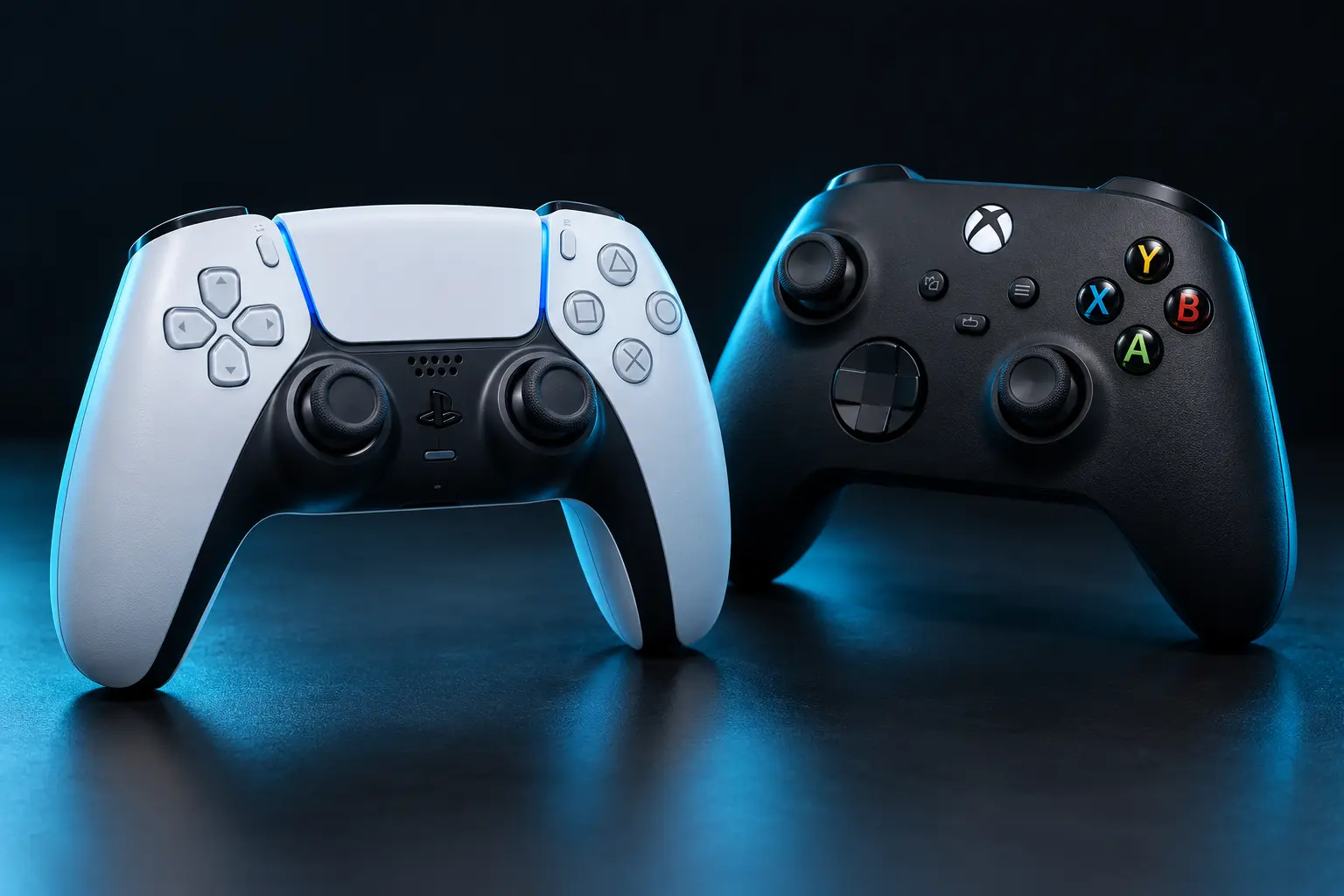
Useful answers start with visible input.
It can be hard to tell whether an unexpected movement comes from a controller, a game setting or a remapping profile. Our goal is to make the browser’s view visible, then explain what that view can and cannot tell you.
Start with a quick button check, work through a guided session or keep snapshots when comparing settings. The tester is available without an account or software download.
Part of your controller toolkit
ControllerTester works alongside tools such as DS4Windows and DualSenseX. Use the browser test to inspect what a physical or virtual controller exposes, then adjust your setup in the appropriate software.
Our approach
We prefer visible readings, repeatable steps and honest explanations to an unexplained health score. We do not claim that browser animation timing measures hardware latency, and an unsupported browser feature is not automatically a hardware fault.