

CHECK THE FEEDBACK
Controller vibration test
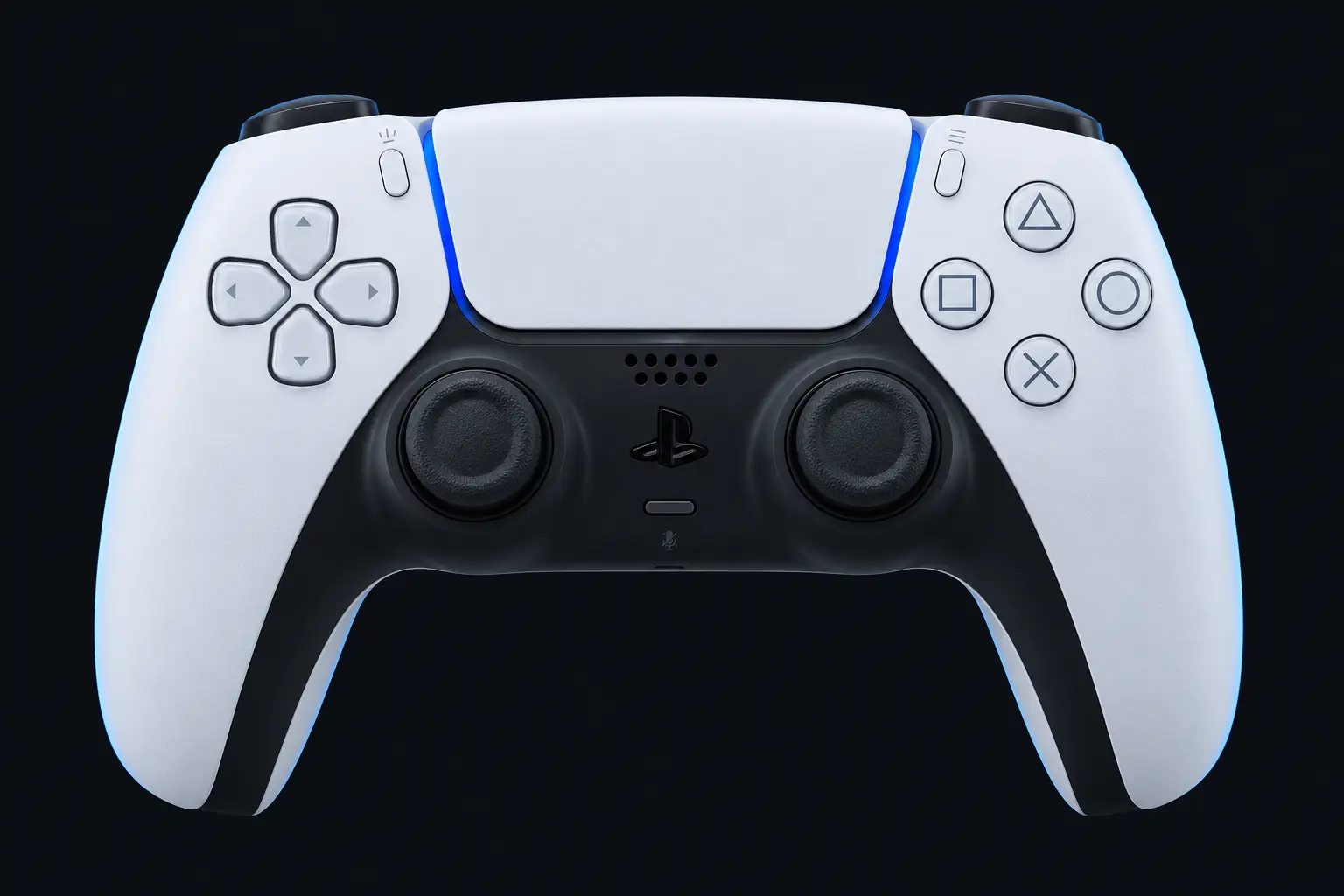
Connect a controller and request a short rumble when your browser exposes a compatible vibration actuator.
Connect with USB or Bluetooth, focus this page and press a controller button.
Resting-stick measurement
This describes the input exposed by your browser. Firmware and remapping software can already apply deadzones. These readings do not certify hardware condition.
Raw readings & input history
Indices are shown as reported by the browser. Unknown layouts are not assigned stick or trigger names.
Waiting for controller input.
Check every control.
- Buttons
- Triggers
- Stick drift
- Stick range
- Results
Connect a controller to begin.
Saved snapshots & comparison 0
Saved only when you choose, in this browser. Compare readings taken under the same conditions.
How the vibration check works
The vibration button becomes available when the browser exposes a supported actuator. Clicking it requests a brief 300-millisecond effect. The tester displays whether the browser reports completion; you confirm whether you actually felt the vibration.
No vibration button?
Input support and vibration support are separate. Try a USB data connection, check the operating system has recognized the controller and use a current browser with gamepad haptics support. A disabled control does not prove that a vibration motor has failed.
Standard rumble is not adaptive trigger testing
This version requests basic browser rumble. It does not control DualSense adaptive-trigger resistance, prove support for a game’s advanced haptics or test a controller speaker.