

BUYING BASICS
Choose the controller that fits your games.
Start with compatibility and comfort, then compare the features you will actually use.
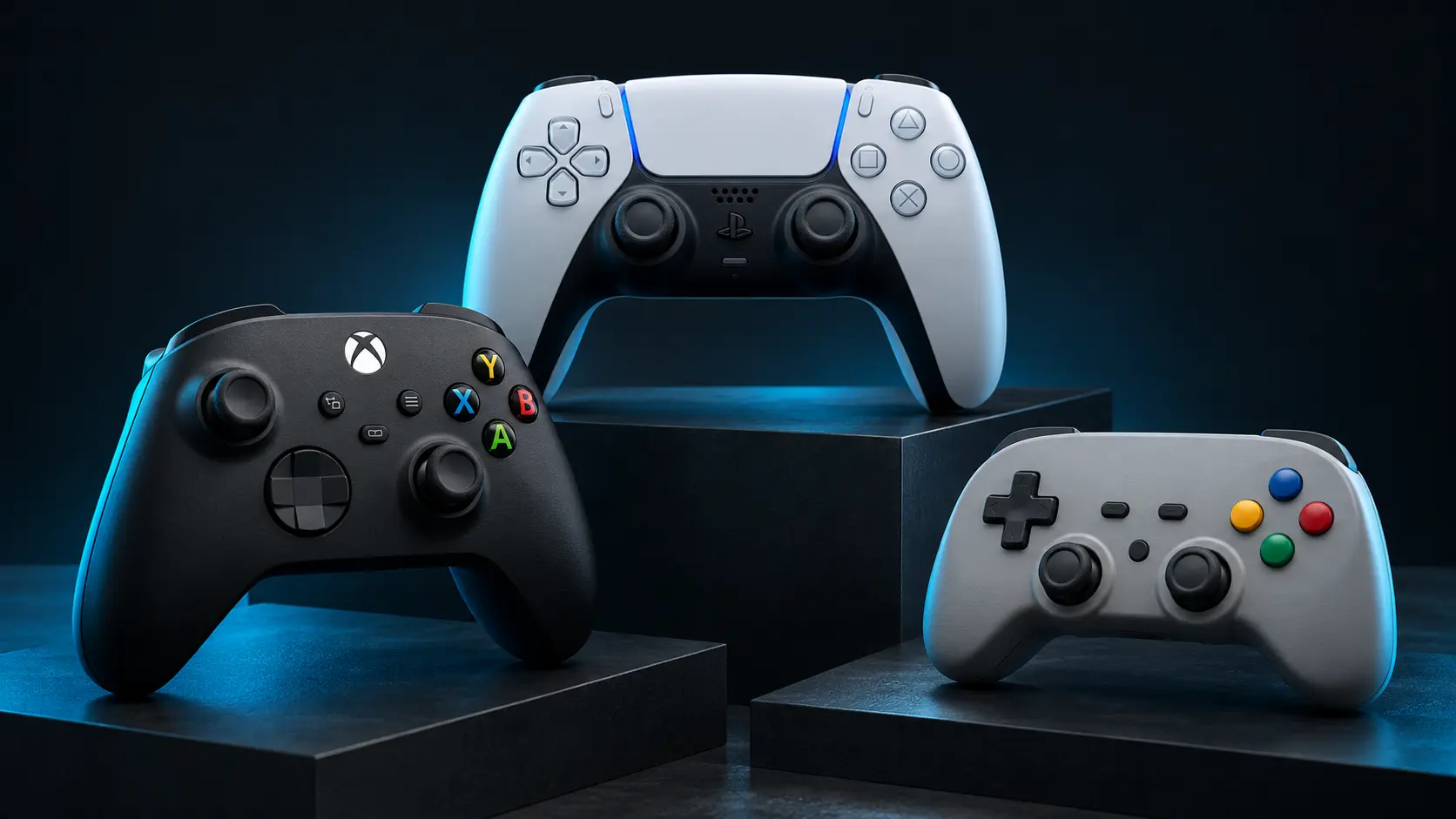
Check your games and platforms first
Look at the manufacturer’s support information for your operating system and the games you play. A controller being visible in a browser does not guarantee that every game supports its layout or advanced features. If you also play on a console, verify support for that exact console model.
Decide which controls matter
- Layout and size: choose stick placement, grip shape and weight that you find comfortable.
- Triggers: analog travel can matter in driving games, while other games use triggers as on/off controls.
- Connection: check whether the exact model supports USB, Bluetooth, a dedicated receiver or a combination.
- Extra controls: confirm how rear buttons are assigned and whether they expose independent inputs.
- Stick technology: compare the whole product, calibration and warranty rather than assuming a sensor label guarantees perfect behaviour.
Check ownership details
Consider cable and receiver requirements, battery options, firmware support, return terms and the availability of replacement parts. Current price and stock can change, so check the seller before purchasing.
Test it when it arrives
Run through the buttons, triggers and sticks while you are familiarizing yourself with the controller. Save an initial snapshot with your setup noted. It gives you a useful reference if the behaviour changes later.