Use the same connection, firmware and profile when repeating a check. These measurements describe browser input and do not assign a hardware health score.
Choose a guided measurement.
Trigger Travel · Last 6 Seconds
Slowly squeeze and release each trigger. A digital or instant-trigger mode can jump directly between endpoints.
— Left trigger– – Right trigger
Observed Press / Release Counts
↓ Presses · ↑ Releases. Counts start at observed state transitions; a control already held when sampling begins has no recorded press. Brief events between browser samples can be missed.
How to read these measurements
The guided sweep records the greatest radius in each of 32 direction sectors. A direction counts as covered at radius 0.75. Outline deviation is the mean absolute difference from radius 1, shown only after all directions are covered. An intended square response can have higher deviation.
Centring records four releases per stick: left, right, up and down. After input returns below radius 0.5, it settles for 0.4 seconds and averages the following 0.4 seconds, with at least five samples. Position spread is the greatest distance from the average of those four positions. Filtering can affect all results. This is not a latency or hardware polling-rate test.
Connect a controller to check browser rumble support.
Did you feel the vibration?
Resting-Stick Measurement
This describes the input exposed by your browser. Firmware and remapping software can already apply deadzones. These readings do not certify hardware condition.
Raw readings & input history
Indices are shown as reported by the browser. Unknown layouts are not assigned stick or trigger names.
Waiting for controller input.
GUIDED CHECKUP
Check Every Control.
Step 1 of 5
Buttons
Triggers
Stick drift
Stick range
Results
Connect a controller to begin.
Save, export or compare this session
KEEP YOUR BASELINE
Save Or Export This Session
Stored on this device
Snapshots stay in this browser. Export a report before clearing site data or moving to another device.
Saved snapshots & comparison 0
Choose two records to compare. Imported files are checked locally and never uploaded.
By EmuCores · Setup guide · Updated 30 October 2026
Connect Your Razer Controller
Choose the exact product before connecting: Wolverine V4 and Xbox-compatible V3 models differ from Raiju models for PlayStation and PC. Wolverine V3 Pro 8K PC is a separate PC-specific product.
For a first PC test, use the model’s supported USB data connection or its supplied wireless receiver. On Raiju V3 Pro, select PC mode for a Windows session. The browser can identify that XInput connection as an Xbox controller.
Confirm the controller’s platform mode and supported connection. Use a USB data cable or the receiver specified for that exact model.
Focus this page, press a face button and choose the responding device from the connected-controller menu.
Press and release each control. Check raw indices if the device has no standard mapping.
Record your connection, software profile and trigger-stop setting before saving a snapshot.
Model setup at a glance — PC connection guidance
Model
Connection to check
Setup / interpretation
Wolverine V4 Pro
USB / Receiver
Current Xbox/PC family: record fitted rear buttons, trigger actuation and Synapse profile. Browser sampling cannot verify an 8K specification. Manufacturer guidance
Wolverine V4 Tournament Edition
USB
Wired member of the V4 range. Use its own setup instructions and record trigger and rear-control assignments. Manufacturer guidance
Wolverine V3 Pro
USB / Receiver
Use its supported PC USB or wireless receiver connection. Note trigger-stop and rear-paddle assignments. Manufacturer guidance
Wolverine V3 Tournament Edition
USB
This is the wired member of the V3 range. Check the USB data connection before troubleshooting browser detection. Manufacturer guidance
Wolverine V3 Pro 8K PC
USB / Receiver
Treat this as the PC-specific model. Browser sample timing cannot validate the advertised polling rate. Manufacturer guidance
Raiju V3 Pro
USB / Receiver
Select PC mode for Windows. An Xbox-style XInput identity is expected and does not mean the wrong controller was detected. Manufacturer guidance
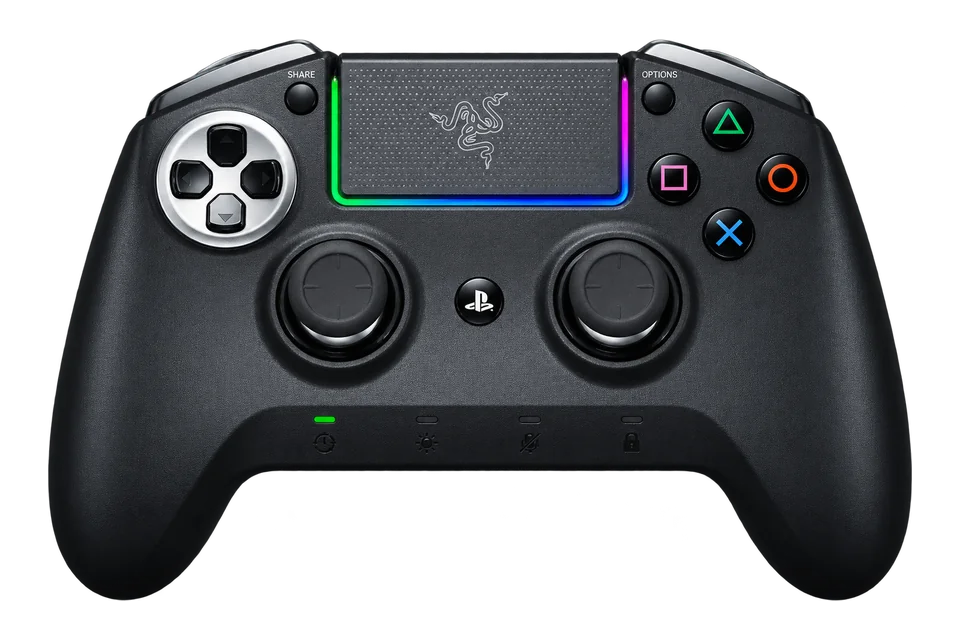
Raiju / Raiju Ultimate / Tournament Edition
Check edition
Legacy family reference: check the model-specific support manual for its PC connection and driver requirements. Manufacturer guidance
Connections vary by edition and operating system. This table records setup guidance, not a physically verified browser result.
MODEL NOTES
Choose Your Razer
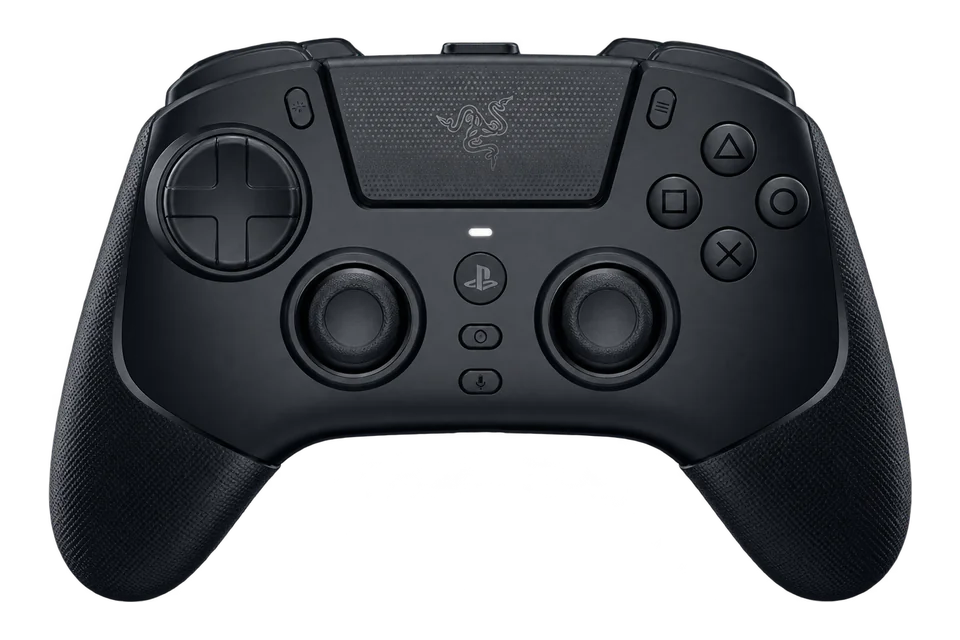
ControllerTester illustration
Razer
Wolverine V4 Pro
USB · Receiver
A wireless Xbox and PC model with capacitive sticks, removable rear buttons and a choice of click-style or full-travel triggers.
Specifications & testing tips
Platforms
PC / Xbox
PC connections
USB / Receiver
Configuration
Razer model-specific support
Stick technology
Capacitive sensors
Triggers
Dual-mode Razer Pro HyperTriggers
Extra controls
Four removable rear buttons; two extra bumpers
Before You Test
Current Xbox/PC family: record fitted rear buttons, trigger actuation and Synapse profile. Browser sampling cannot verify an 8K specification.
Compare each rear-button assignment with its face-button action. Use the same trigger mode for the baseline and retest.
What To Check Here
Press each face button and direction once. Use the raw input list if the browser has no standard mapping.
Move the sticks around their range, release them and run the resting-stick test. Save the active profile alongside the results.
Squeeze and release both triggers. A short-travel or digital mode can change the values you observe.
Rear buttons can repeat existing inputs. Browser rumble does not test motion sensors, audio or adaptive-trigger resistance.
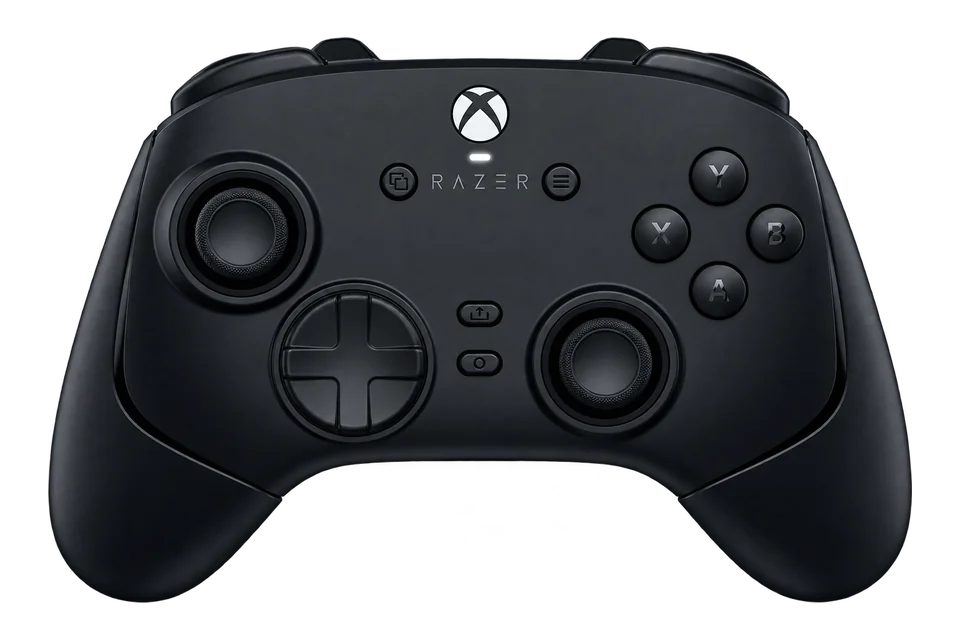
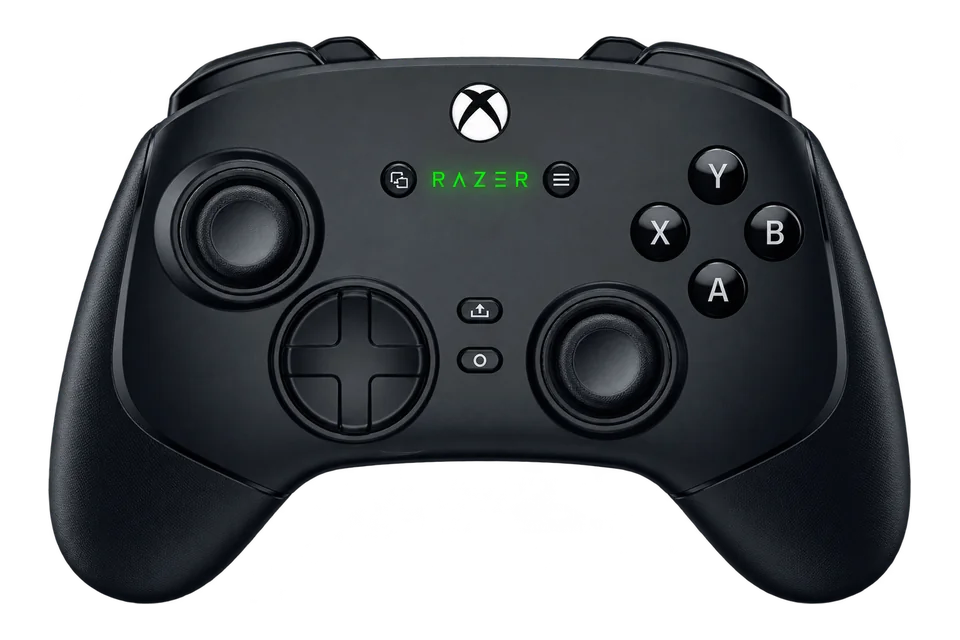
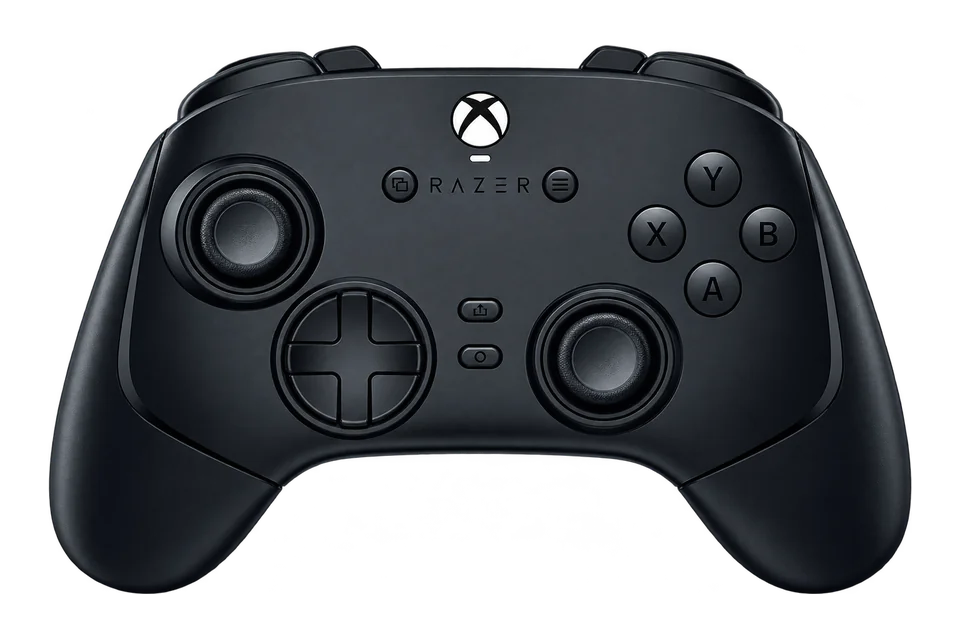
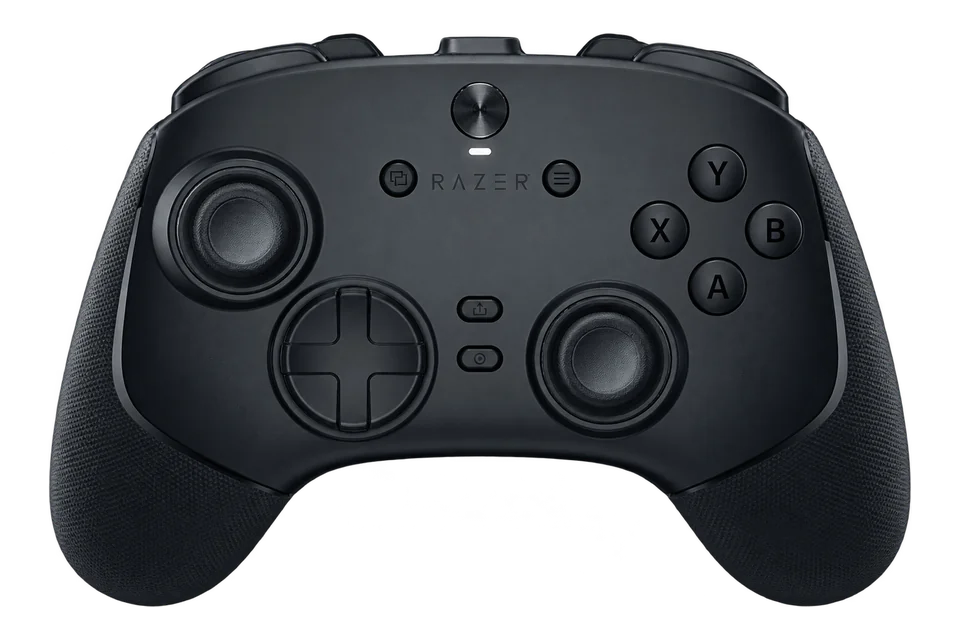
Illustration reference: Model appearance reference. AI-generated illustration based on the model reference; small details and colour may vary. Colour and included accessories may vary.
Illustration reference: Model appearance reference. AI-generated illustration based on the model reference; small details and colour may vary. Colour and included accessories may vary.
Illustration reference: Model appearance reference. AI-generated illustration based on the model reference; small details and colour may vary. Colour and included accessories may vary.
Illustration reference: Model appearance reference. AI-generated illustration based on the model reference; small details and colour may vary. Colour and included accessories may vary.
Illustration reference: Model appearance reference. AI-generated illustration based on the model reference; small details and colour may vary. Colour and included accessories may vary.
Illustration reference: Model appearance reference. AI-generated illustration based on the model reference; small details and colour may vary. Colour and included accessories may vary.
Illustration reference: Model appearance reference. AI-generated illustration based on the model reference; small details and colour may vary. Grouped legacy entry; original Raiju and Tournament editions differ.
Why A Razer Trigger Or Rear Button Can Look Different
A trigger-stop or instant-trigger setting changes the physical travel and may change the reported response. Record its position and compare both trigger readings under the same setting before treating a quick jump to full input as a fault.
Extra bumpers and rear paddles can be assigned to other controls through the model’s configuration software. Test the original control, then the assigned rear control. If both highlight the same button index, you are observing the mapping delivered to the browser.
A manufacturer’s polling-rate specification is not measured by the animation on this page. This tester records browser input snapshots; it does not verify an 8K mode, wireless latency or console-specific haptics.
Turn A Reading Into A Useful Comparison
Check one variable at a time. For unwanted stick movement, release the sticks onto a stable surface and run the ten-second resting test. For a missing action, compare a direct button press with its rear-button assignment. Save a note identifying the active profile so a later result can be reproduced.
The browser-reported device name can describe a virtual gamepad. The optional model reference is your selection, not automatic hardware identification. Brand listing does not guarantee vibration, independent paddles or vendor-specific controls in your browser.
Its PC input mode can expose an XInput identity. Match the physical button position to the active profile; use Button naming for a visual preference. Check your game separately if an action is wrong.
Which Wolverine guide should I follow?
Choose the complete model name. V3 Pro, V3 Tournament, V3 Pro 8K PC and the V4 editions have different connection and setup requirements. The PC connection table above is a starting point, and each linked manufacturer page supplies the exact procedure.
Documentation reviewed 29 October 2026. Setup guidance, not a hands-on product review or a certification of browser support.


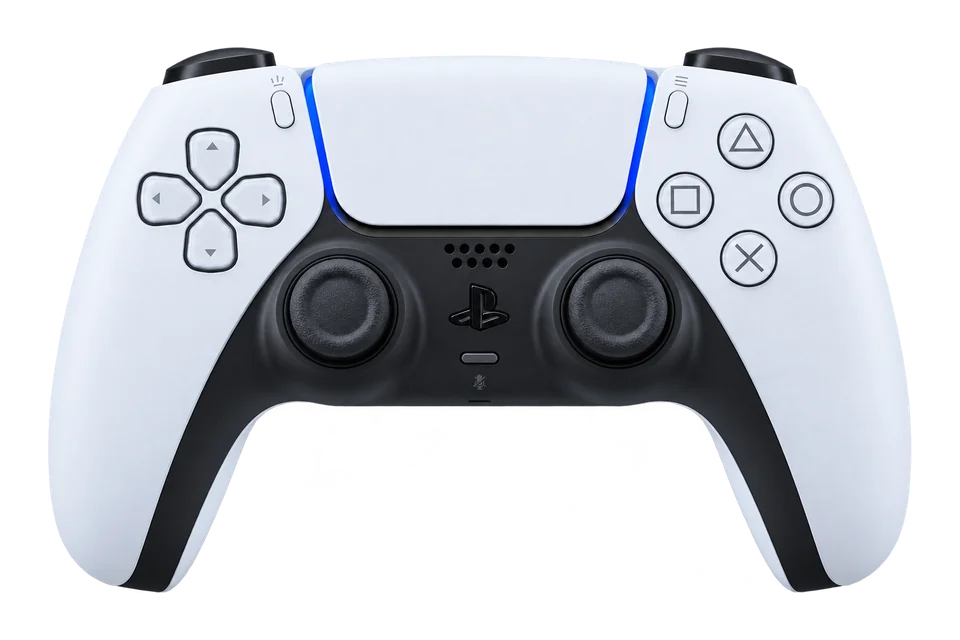
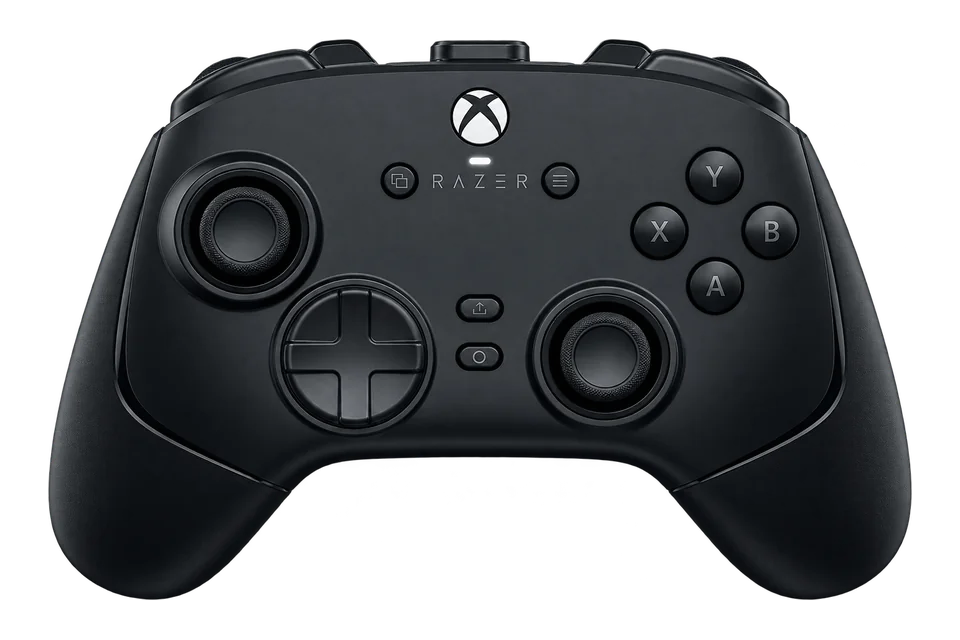 ControllerTester illustration